
Little paws. Big days.
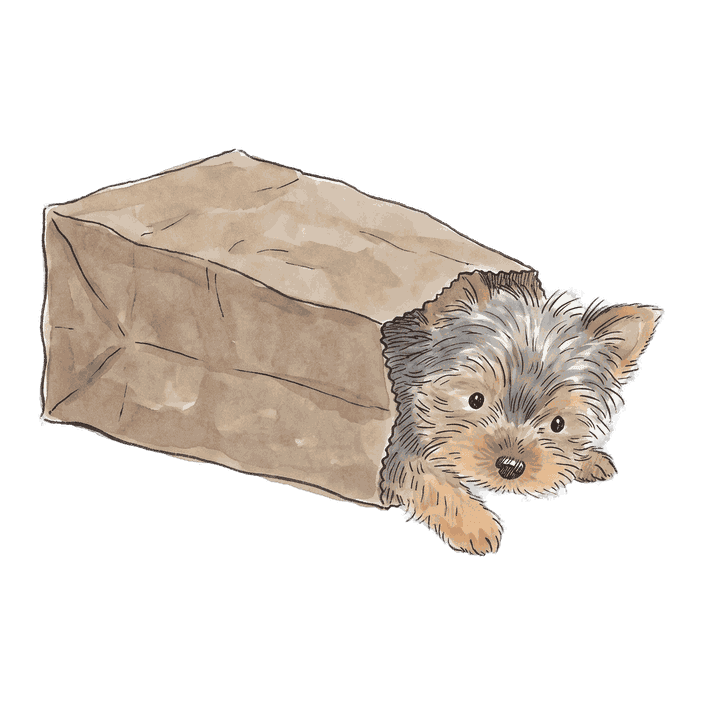
A quiet countdown calendar for iPhone and Android. A hand-painted puppy keeps you company until the day arrives: a birthday, a trip, a reunion, a new beginning.
Free to download. No account, no ads, no subscription.
Trip to Kyoto
––days to go
––:––:––counting to midnight
Until 0000

Fri
11
September

Dream trip
66
days to go
- Fri11Calendar
- Notes
- Weather
- Music
- Photos
- Maps
- Clock



Count down to the days that matter
A one-time countdown, a birthday that comes back every year, or an anniversary that counts the days you've had together. Today is day zero. The pup takes it from there.
Dream trip
Until Nov 16, 2026
66
days to go
Dad's birthday
Sep 23, every year
12
days to go

Our first walk
Since Jul 7, 2025
431
days together
A little different every day
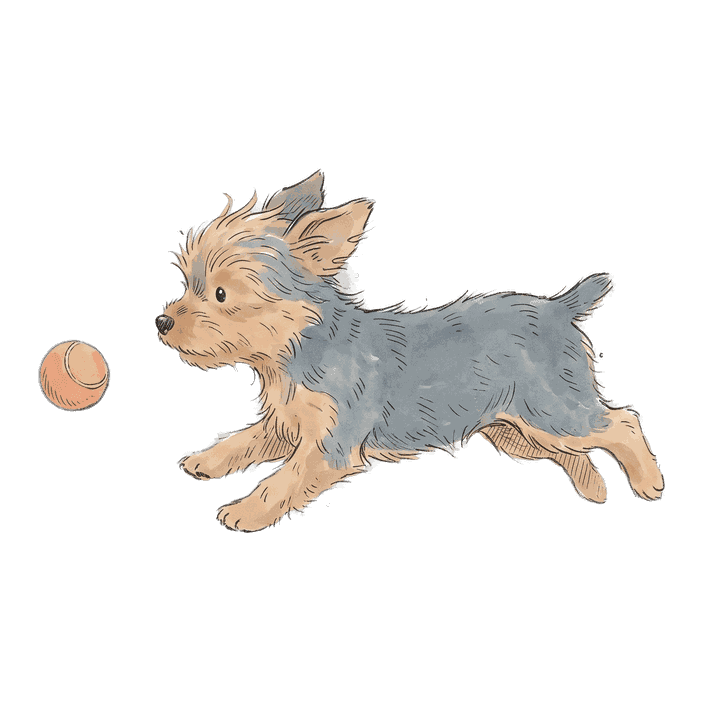
Every pup has ten hand-painted poses and settles into a new one each morning. Tap for another mood whenever you like.
Tap Mochi for another little mood
tilting her head
Seven widgets, all free
One day or three, a month at a glance, or just today with a pup beside it. Every layout is free on iPhone and Android. Tap the pup on a widget and it changes pose without opening the app.
Dream trip
66
days to go
Trip to Hokkaido
66days to go
 Dad's birthday12days to go
- Trip to Hokkaido66days to go
 Together431days together

A calendar with a pup on it
Month, week or just today, with your days marked and your companion keeping watch. Weeks can start on Sunday or Monday.
September
Fri
11
September

Fri
11
September
Fri
11
September
- S6
- M7
- T8
- W9
- T10
- F11
- S12


Common occasions, ready in a tap
Pick one and the pup is already waiting. Or make a day entirely your own.
Birthday
A little celebration, every year

Dream trip
Until your dream adventure begins

Reunion
Until you are together again

Our big day
Until your wedding or next celebration
New home
Until you open your new front door

New chapter
Graduation, a new job, or retirement

New family
Until you welcome someone home

Custom
Make a day your own
Everyone has something to say
Momo comes with the app and costs nothing. Every pup has thirty lines in English and thirty in Japanese, and picks a different one each time you open a day.
- Free
Momo
Yorkie

I barked at the calendar. It moved one day closer. You're welcome.
Two kilos. Runs the household. Needs a bow for anything important.
- US$2.99
Mochi
Shiba
I'm not waiting with you. I just happen to be here.
Sits exactly two metres away. Calls it loyalty.
- US$2.99
Butter
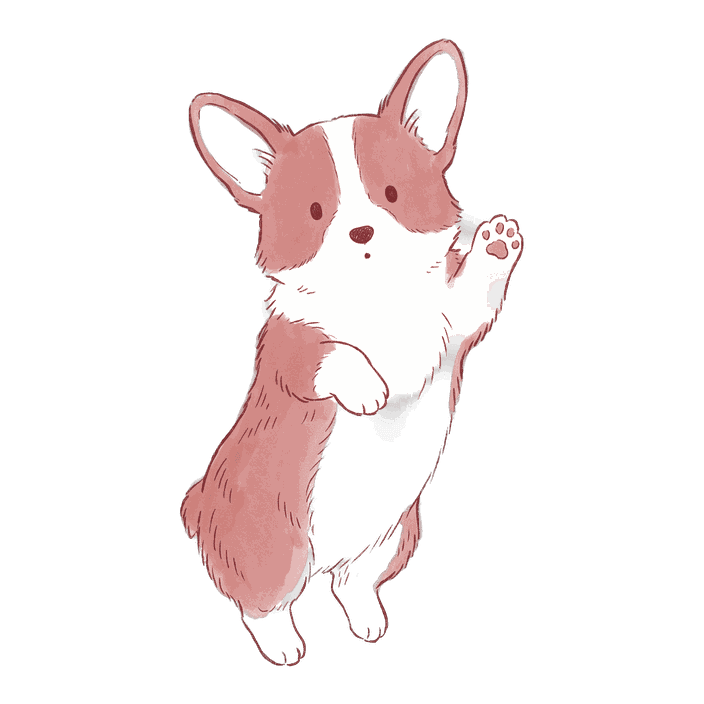
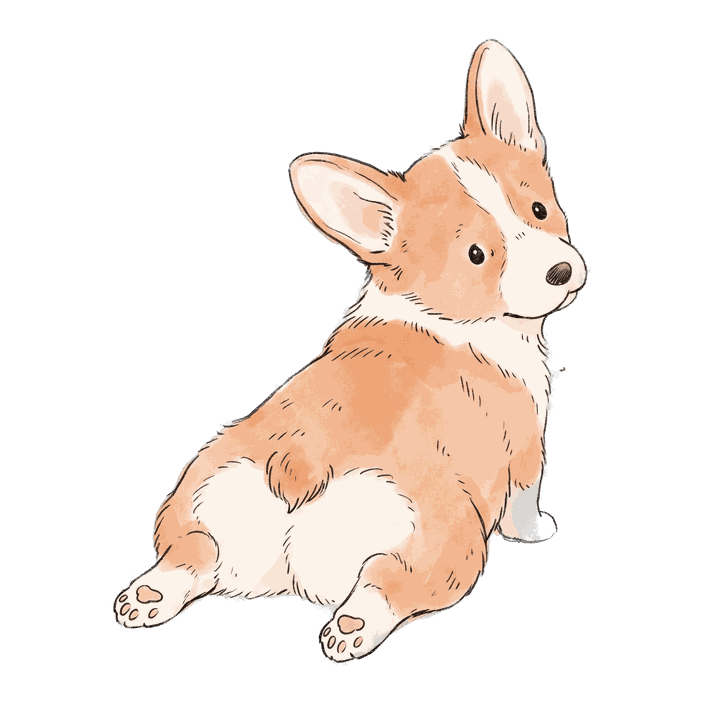
Corgi
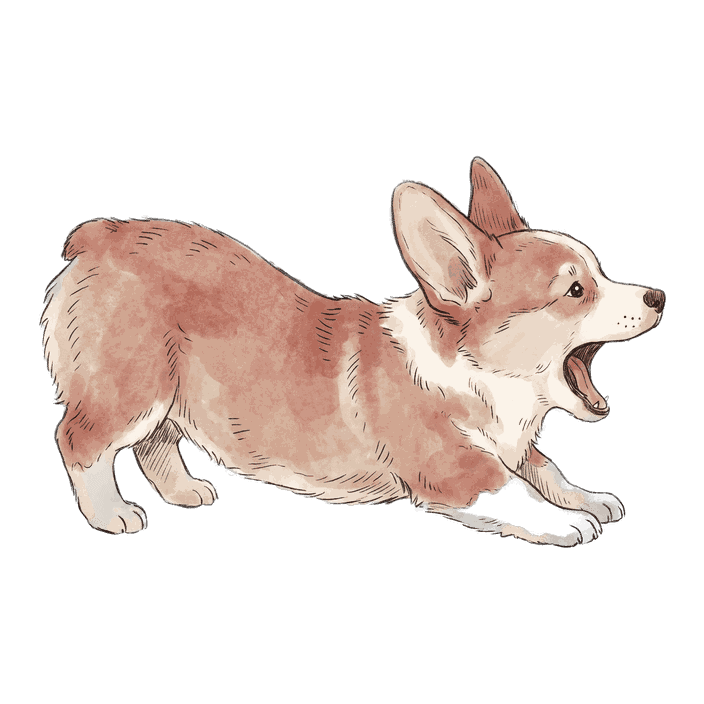
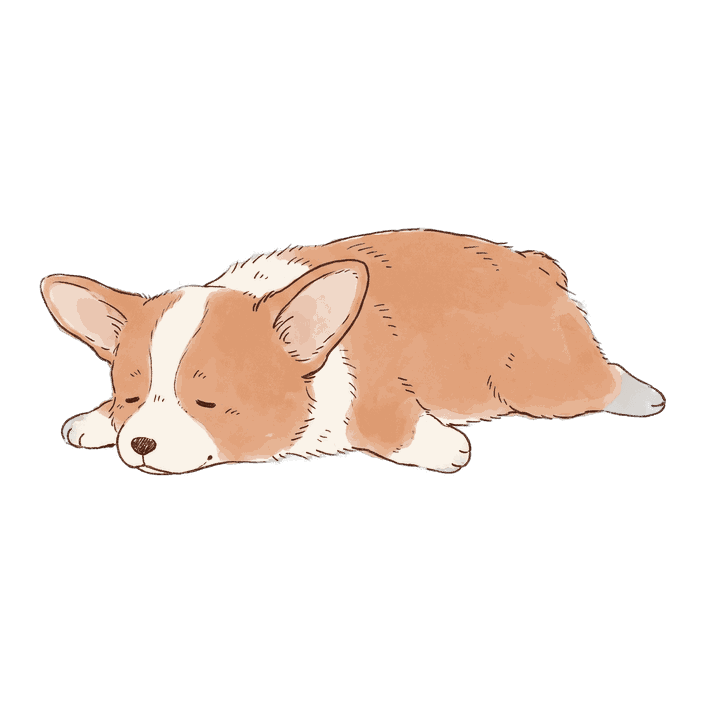
I've herded the days into a neat little row for you. Look at them go.
Keeps a list of things to do. It says nap twice.
- US$2.99
Honey
Golden retriever

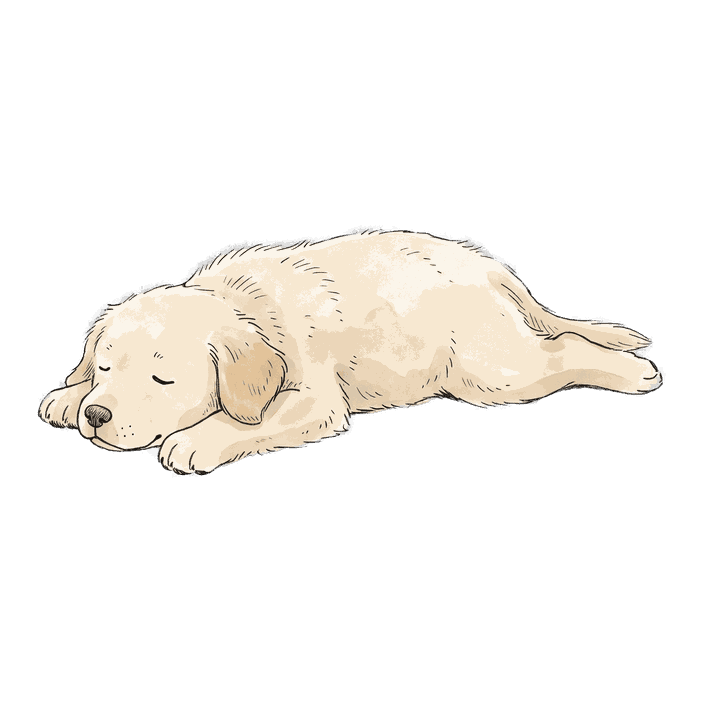
Waiting is just love with extra time in it.
Brings you a sock when the waiting gets long. It's a good sock.
- US$2.99
Noodle
Dachshund

I dug a tunnel to the big day. It ended under the blanket. Close enough.
Loses to the squirrel daily. Beat the vacuum cleaner once.
- US$2.99
Latte
Poodle

I don't count days. I curate them.
Books a trim before anything important. Fetches once, never twice.
Quiet by design
Down to the second
Count whole days, or watch the clock tick towards midnight on your day. Inside the final day, the clock itself becomes the number.
A gentle reminder
Seven days before, one day before, on the day. Reminders are scheduled on your phone, at a time you choose.
Your days stay with you
No account and no server. Everything lives on your device, with a backup file you can export any time.
English and Japanese
The whole app, every widget and every pup's voice, in both languages.
Free where it counts
Momo and every feature, including all seven widgets, are free. Bring another pup home with a single purchase, or all five at once. There is no subscription, ever.
- Momo the Yorkie and every feature
- Free
- Any other pup, all ten poses, forever
- US$2.99
- All five pups together
- US$9.99
Prices are shown in your local currency in the App Store and Google Play.
Questions people ask
Is PupCal free?
Yes. Every calendar feature and all seven widgets are free, with Momo the Yorkie as your companion. The five other pups are optional one-time purchases. There are no ads and no subscription.
Does my data sync between devices?
No. PupCal keeps your days on your device and never sends them to a server. To move phones, export a backup file from Settings and import it on the new one.
Is my data safe?
Your days, dates and settings never leave your phone unless you export a backup yourself. PupCal has no account, no analytics and no ads. Apple or Google handle payments, and purchases are verified with an anonymous identifier only.
How do I add a widget?
On iPhone, touch and hold your Home Screen, choose Edit, then Add Widget, and search for PupCal. On Android, touch and hold an empty area of your Home Screen, choose Widgets, and drag a PupCal layout onto the screen.
Is there an Android version?
Yes. PupCal is built for iPhone and Android, including all seven widgets. Widgets you can tap need iOS 17 or later.
I have a new phone. Where are my pups?
Choose Restore purchases in Settings, signed in with the same Apple or Google account you bought them with. Your days come from your backup file, not from the store.

Start counting down with a little pup
Free to download. Momo is waiting inside.